How to Grant Users Access to the Website Edition
To grant a user permission to edit a specific website, you must first provide access from Settings → Users by adding them to the group Website / Editor and Designer.
Then navigate to Website → Site → Websites
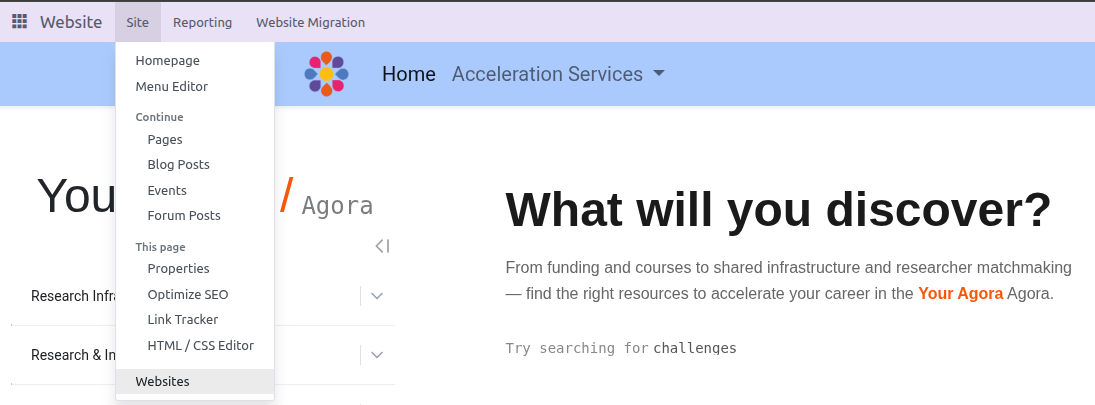
Open the specific website for which you want to grant access, and add the user as either a Website Editor or a Website Publisher.
- The Website Editor role allows the user to edit content on any page of the website.
- The Website Publisher role makes the publication toggle visible, allowing the user to control which content goes live.
Name
How to Grant Users Access to the Website EditionType
Rich text
User
Admin
Level
Basic